Features Pricing Use cases Compare Blog
All articles

Templates

4 articles.

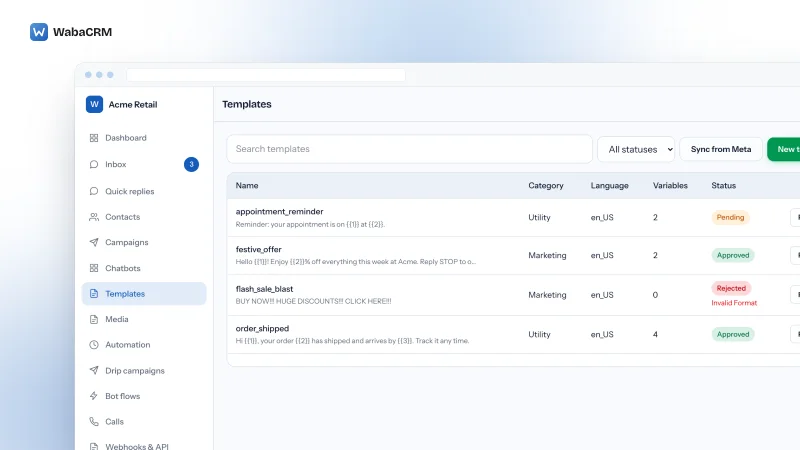
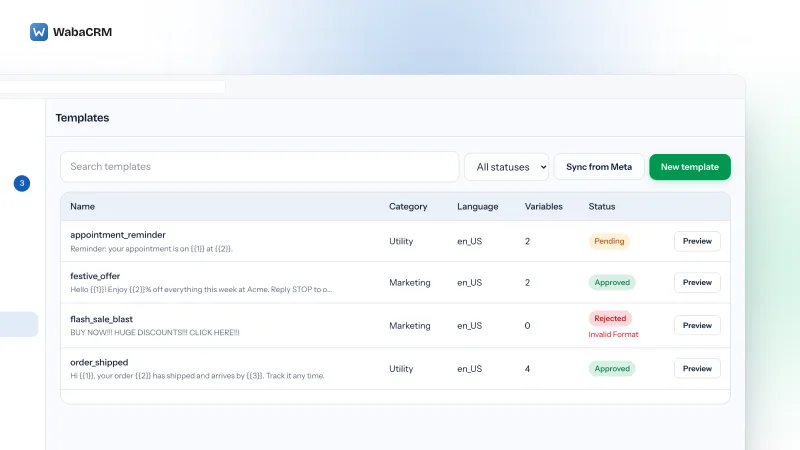
Templates screen with a green New template button above a table of template rows, each showing the template name and its message text, the category, the language locale, a count of variables, and a status badge reading Approved, Pending or Rejected.

Templates

WhatsApp Error 132000 With the Right Number of Parameters

Error 132000 says your parameter count is wrong. On a named template it usually is not, because an unmatched parameter_name is counted as not supplied at all.

14 min read

The templates screen listing several message templates in a searchable table, with columns for name, category, language, an approval status of Approved or Pending, and the date each one was last updated, above a green New template button.

Templates

WhatsApp OTP Templates: The PendingIntent Deadline and What Replaces It

Meta is retiring the PendingIntent handshake behind WhatsApp OTP autofill on 15 October 2026, a deadline already extended once. Here is what actually changes.

16 min read

campaigns list showing broadcast names, status badges and delivery counts above a green new-campaign button in a seeded demo workspace

Templates

Template Approved, Messages Accepted, Nothing Arriving

A WhatsApp template can be approved and every send accepted by the API, yet recipients get nothing. Here is what template pacing actually holds, drops and releases.

16 min read

Templates screen showing a green New template button above a searchable table listing template name, category, language, an approval status of Approved, Pending or Rejected, the date each row was last updated, and a column of per-row actions.

Templates

Every Status a WhatsApp Template Can Be In, and What Each One Costs You

Meta's webhook publishes fourteen template statuses, not four. Every event, every rejection reason, and the 28-day archive clock, cited to Meta's own docs.

12 min read

Other topics

Your customers are already on WhatsApp

Free for your first 1,000 contacts, with no time limit and no card. Setting up the workspace takes minutes; connecting a number takes as long as Meta's own review of it.

Sign up with your company email address. No sales call, no onboarding fee, nothing to schedule.

Why this is safe to point your customer list at

Payments are processed by Razorpay on their own checkout — your card details are never entered on, or stored by, WabaCRM. Every inbound WhatsApp webhook is checked against its signature before it is trusted.

Tech Provider is a Meta platform access tier — not a partnership, a reseller agreement or an endorsement.