Ask for the money where the conversation is
Taking Payment Inside a WhatsApp Chat With Razorpay
Last checked · 4 min read
The short answer
You create a Razorpay payment link for one customer, WabaCRM sends it as an ordinary message into the thread they are already in, and the link is marked paid only when Razorpay's signed webhook says the money cleared. The keys are your own workspace's, so the money settles into your Razorpay account and never passes through WabaCRM. Nothing a browser reaches can mark a link paid — not the agent's screen, and not the customer returning from Razorpay's page. Checked 25 October 2026.
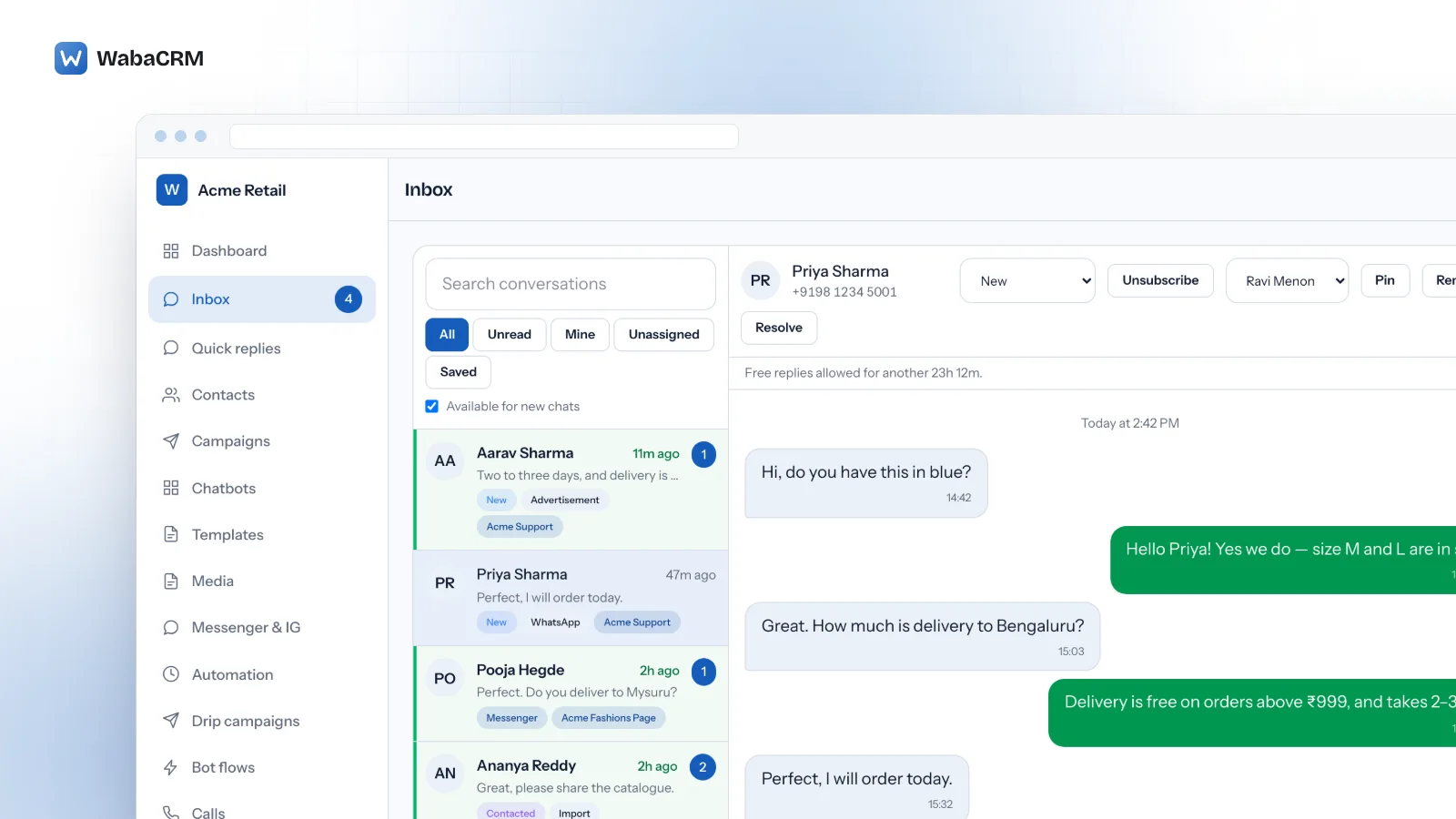
Asking a customer for money usually means leaving the conversation. You copy an amount into a payment page, send a link from somewhere else, and then watch two systems that do not know about each other — the thread where the customer is talking to you, and the dashboard where the money either arrives or does not.
The payment-links add-on closes that gap for Razorpay. You raise a link for one customer from inside their chat, it goes into the thread as an ordinary message, and the link is marked paid when Razorpay says the money cleared.
The money is yours, and so are the keys
The add-on reads Razorpay credentials saved against your workspace, not the ones WabaCRM uses to bill you for WabaCRM. That separation is the whole design: a platform key used here would collect your customer's payment into the platform's account.
So the sequence is ordinary and the money never changes hands twice:
- You save your Razorpay key id, key secret and webhook secret in the add-on's settings. The secret is stored encrypted and is never read back into the form, so somebody with access to the screen cannot lift it.
- A link you create is created against your Razorpay account.
- The customer pays Razorpay.
- Razorpay settles to your bank on your own Razorpay schedule.
WabaCRM holds no money at any point and takes nothing from the payment.
Only a signed webhook marks a link paid
A customer who completes a payment is sent back to a page. That return proves only that a browser was redirected, and anybody can make a browser request a URL — so it is not evidence, and nothing in this add-on treats it as evidence.
Payment links are settled by one path and no other: a webhook from Razorpay whose signature verifies against your workspace's own webhook secret.
Three things about that endpoint are worth knowing, because each is a decision rather than an accident:
- The workspace is named in the URL, never in the body. Each workspace registers its own endpoint in its own Razorpay dashboard, and the signature is checked with that workspace's secret. Reading the workspace out of the body instead would let anyone who can post JSON choose whose links to settle, before any secret was involved.
- The link is looked up inside that workspace only. A Razorpay link id is unique within one Razorpay account, not across all of them, so an unscoped lookup would be a cross-account write waiting for a collision.
- The amount and the currency must agree with the link. A body that verifies but reports a different amount is not that link's payment. It is logged and refused rather than recorded, because telling a business that a customer paid ₹5,000 when they paid ₹50 is worse than telling them nothing.
A duplicate delivery changes nothing. Razorpay retries anything it did not get a success for, and settlement is a single conditional write, so the second arrival finds the work already done rather than re-stamping the time or overwriting the payment id that actually cleared.
Meta's window still applies
This add-on does not change what WhatsApp lets you send. Outside the 24-hour customer service window you may send only an approved template, and a payment link pasted as plain text will be refused by Meta like any other free-form message.
In practice that means asking for payment while the conversation is live. If the window has closed, re-open it with an approved template and send the link once the customer has replied.
What it will not do
Being straightforward about the edges is cheaper than a support ticket:
- It raises links in INR. Multi-currency collection is not built.
- It is one customer at a time. This is a link for a conversation, not a bulk invoicing run.
- It does not reconcile your Razorpay account. It records the payments for the links it created; everything else in your Razorpay dashboard is yours to reconcile as before.
- It is not WabaCRM's own billing. Your subscription to WabaCRM is separate and is unaffected by any of this.