WhatsApp Coexistence “Ineligible”: The Real Cause, and Every Error Code
The short answer
In Meta's current Embedded Signup you must TYPE your phone number into the box on the “Add your WhatsApp phone number” screen. If you pick it from the “Enter a new phone number” dropdown it will always show “Ineligible”, because that list is for numbers moving onto the Cloud API and your number already lives in the WhatsApp Business app. Meta confirms that entering the number starts the coexistence flow automatically, and that the old “connect your existing WhatsApp Business account” option no longer exists. Typing it also makes Meta name the real reason instead of a grey badge — on our own test number that was error 3441061, “Auto labels” switched on in the WhatsApp Business app, a cause Meta documents nowhere. Verified against Meta's live dialog on 27-28 September 2026.
If you have tried to connect an existing WhatsApp Business app number and every single number in Meta's list came back “Ineligible” — or “No cumple los requisitos” — this page is the short answer and the long one.
The short answer is that the list is the wrong control. You have to type the number.
The one thing that fixes most of these
On Meta's “Add your WhatsApp phone number” screen there are two controls that look interchangeable and are not:
- a dropdown labelled “Enter a new phone number”, which expands into your existing numbers
- a country selector and an empty box underneath it
Picking your number from the dropdown will always fail. Typing the same number into the box works. Meta states the behaviour plainly in its Embedded Signup documentation:
“If you have enabled Coexistence and the business customer enters a phone number that is already in use with the WhatsApp Business app, Embedded Signup enters the Coexistence flow automatically. The business customer no longer selects the WhatsApp Business app option to get there.”
That last sentence is why so much advice on the internet is now wrong, including advice we were giving until we tested this. There used to be a screen offering to “connect your existing WhatsApp Business account”. Meta removed it when it moved Embedded Signup to what it calls the Phone Number First flow, where the number is collected before any account selection. Meta's own note on that change says the rollout “is in progress, so some business customers still see the previous screen order” — which is exactly why this broke for different people on different days, and why one business could connect while another, doing the same thing, could not.
The cause Meta documents nowhere: Auto labels
Once you type the number, Meta stops saying “Ineligible” and tells you the actual reason. On the number we tested, the reason was this:
“Your phone number is already linked to automatic events. To use it for embedded sign-up, turn off Auto labels in Business tools > Labels in your WhatsApp Business app.” — error 3441061
The fix takes about ten seconds, on the phone:
WhatsApp Business app → Business tools → Labels → turn off Auto labels, then connect again.
Two things make this worth singling out. First, error 3441061 does not appear on Meta's Embedded Signup errors page — we checked the full page, and it lists neither the code nor the phrase “Auto labels”. That is why searching the error returns nothing useful and why no vendor troubleshooting page mentions it. Second, if you select your number from the dropdown instead of typing it, you never see this message at all: you get a grey “Ineligible” badge that looks permanent and unexplained. The same number, typed, tells you exactly which switch to flip.
Why the dropdown says “Ineligible” at all
The dropdown is not broken and Meta is not wrong. It is simply a different operation. Meta documents that screen as a place to “enter a new business phone number, or select an existing phone number from the dropdown, to associate with their WhatsApp account” — that is the Cloud API action of attaching a number to a WhatsApp account.
A number that is already live in your WhatsApp Business app cannot be attached that way. Meta publishes the reason as its own error: “You already registered the phone number on our platform (that is, WhatsApp Messenger, WhatsApp Business App, or WhatsApp Business API).” So every number you actually want to connect is, correctly, ineligible for that operation.
Coexistence exists precisely so you do not have to deregister the number first. You reach it by typing.
Every documented error, and what each one really means
Meta keeps the real per-number rules in a section headed “WhatsApp Business app user onboarding” on its Embedded Signup errors page — not on the coexistence guide, where the word “eligible” never appears. These are the ten, with Meta's wording and the action that actually resolves each.
| Code | What Meta says | What to do |
|---|---|---|
| 3441045 | “Your phone number isn't eligible to connect to the WhatsApp Business Platform.” | First confirm you typed the number. If you did, Meta's resolution is “More activity on the WhatsApp Business App is needed” — keep using the number and retry later. |
| 3441061 | “Your phone number is already linked to automatic events… turn off Auto labels in Business tools > Labels.” | Turn off Auto labels in the WhatsApp Business app, then retry. Not listed on Meta's error page. |
| 2655121 / 1357053 | “…your WhatsApp Business account is currently restricted… visit Business Support Home.” | An account-level restriction at Meta. Appeal it at Business Support Home; no setting on the number or the platform bypasses it. 2655121 is not on Meta's error page. |
| 3441042 | “This feature is unavailable for phone numbers from this region.” | Coexistence is not live for that country yet. Nothing on your side or your provider's changes it. |
| 3441049 / 2655094 | Already registered with the product / “Please disconnect your business platform to continue.” | In the WhatsApp Business app: Settings → Account → Business Platform → Disconnect, then wait 15 minutes. Back up chats first. |
| 2655093 | “The business is already sharing this WhatsApp Business account with a partner. Switching partners is not supported in this flow.” | Disconnect the current partner in the app, then come back. No partner can do this for you. |
| 2655082 | “The phone number is already linked to a Facebook Page.” | Unlink it from that Page, or use a different number. |
| 3441047 | “This feature is not available for accounts using marketing messages.” | Choose a different WhatsApp Business account. |
| 3441041 | “The phone number you have entered is not associated with the business you selected.” | Select the business that owns the number, or unlink it from the other one. |
| 2655095, 2655048 | “Your phone number isn't registered with WhatsApp Business.” | Coexistence only works for a number you already chat from in the WhatsApp Business app. |
| 4563015 | “Update your WhatsApp Business App to the latest version to use this phone number.” | Update the app on the phone that holds the number. Meta's stated minimum is 2.24.17. |
| 3441030 | “The phone number you entered is already registered.” | If it is already on the Cloud API, connect it with API details instead of coexistence. |
One practical note that saves a lot of guessing: the greyed “Ineligible” badge in the dropdown does not tell you which of these applies. Meta does not map the badge to a code. Typing the number is what makes Meta return the specific code — which is the difference between a diagnosis and a week of retrying.
The failure that is not about your number at all
Every code in that table is a verdict on a phone number. There is one refusal that is not, and it is easy to spend a day on the number because of it:
“Selected business CoEx gate evaluation is missing”
Meta shows it with #N/A where the error code normally goes, which is the first clue that
it is a different kind of failure. It appears at the business selection step — before you
type a number, before any number is evaluated. Reported to us on 3 October 2026.
That exact string is on no Meta page, and on no vendor page either. Searching it is a dead end, exactly like 3441061 above. So the answer is not in the error; it is in what Meta prints directly underneath it, on the same screen, about the same selection:
“Selected business portfolio has the following restrictions… You need admin permissions to create or modify WhatsApp Business accounts.”
Read together, those two lines say one thing. “CoEx gate” is Meta's eligibility check on the business portfolio you picked, and somebody who is not an admin of that portfolio cannot have it run — so it comes back missing rather than passed or failed. That is also why there is no code: nothing was evaluated, so there is no verdict to number.
The fix is a permission, not a setting:
- The Facebook account doing the connect must be a full Admin of the business portfolio that owns the number — at business.facebook.com → Business settings → Users → People. An employee, limited or partner login cannot complete coexistence, and Meta cannot even run the check without admin access.
- Confirm the portfolio in that dropdown is the one that actually owns the number. Picking a different portfolio you happen to have access to produces the same dead end.
- Start the connect again from the beginning.
To be precise about what is established here: the quoted strings are Meta's own, read off its live dialog, and they appear together about the same selection. Meta does not anywhere state that the one causes the other — that reading is ours, and it is what the fix is built on. What is certain is that it is not a problem with the number: it is not Auto labels, not eligibility, and not the account-level restriction behind 2655121. The number is never reached.
What is not true
Search results for this problem are full of confident numbers that no Meta page contains.
- There is no published waiting period. No seven days, no thirty days, no “one to two month cooldown”. Meta's entire stated cause for 3441045 is that more activity is needed.
- Requesting another verification code does not help, and repeated registration attempts on one number can get it blocked for 72 hours.
- Deleting a WhatsApp Business Account you see in Meta Business Settings is not a fix, and it is a good way to disconnect a working number. If your number appears exactly once, with a healthy status, there is no duplicate to remove.
When coexistence is not the answer
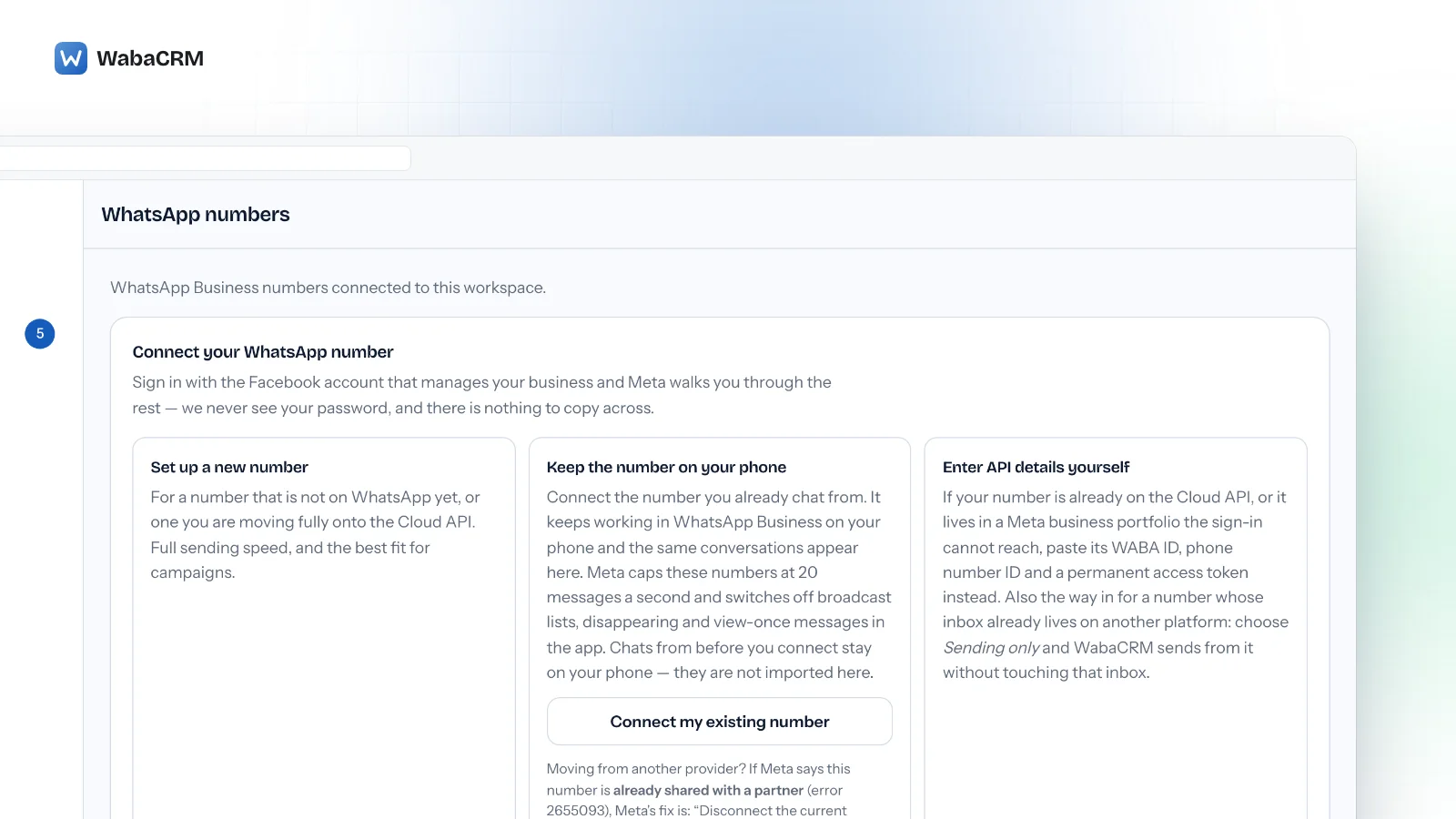
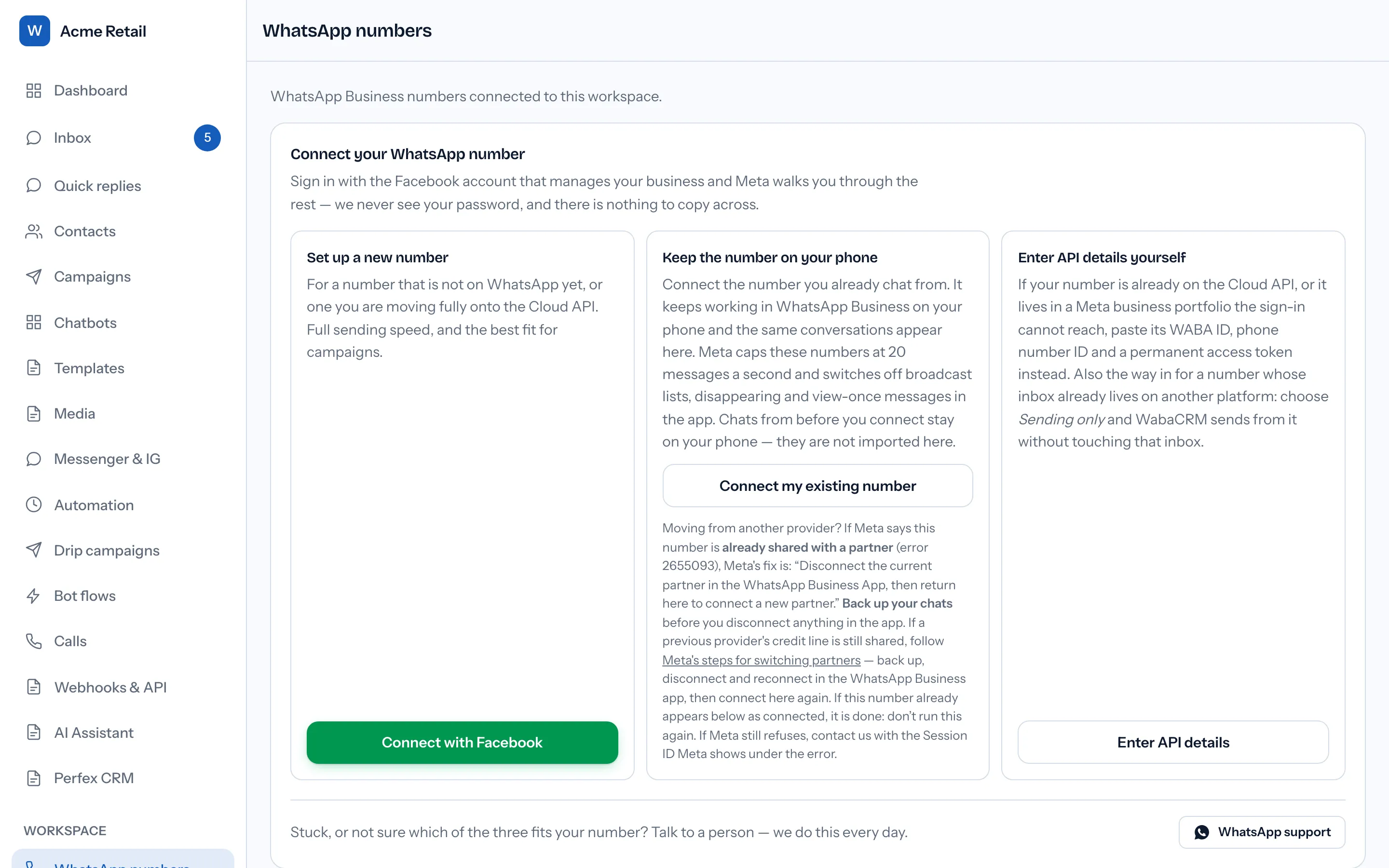
Coexistence keeps the number live on the phone. If that is not a requirement, two other routes avoid this class of error entirely: set the number up as a new Cloud API number, or, if it is already on the Cloud API, connect it with its account ID, phone number ID and a permanent token. Both are offered on the same screen.
Meta pages cited here — the Embedded Signup errors reference, the default-flow description, the v4 release notes, the coexistence onboarding guide and the WhatsApp changelog — were read in full on 27-28 September 2026. Where Meta publishes no figure, this page says so rather than supplying one.
Questions people also ask
Why does every number in the dropdown say “Ineligible”?
Meta says “no cumple los requisitos”. Is that different from “Ineligible”?
How many days of activity does Meta require before a number becomes eligible?
Which countries support coexistence?
Meta says the number is already connected to a business platform. What now?
Meta says “Selected business CoEx gate evaluation is missing”. What does that mean?
- whatsapp coexistence ineligible
- no cumple los requisitos whatsapp
- embedded signup error codes
- error 3441045
- error 3441042
- whatsapp business app onboarding